▸ All systems operational

Your server,
under observation.

PulsePanel is a full Minecraft server admin app for iOS. Live console, players, worlds, push notifications, real-time monitoring — all from your phone.

Survival Live
28ms · v1.21.4 · uptime 4d 12h
TPS · last 60s
19.94 ↑ 0.2
Target: 20
Players
23
Memory
4.2GB
CPU
28%
Network
2.1mbps
Uptime
99.9%
Push
218ms
Event log · live Last 5 events
12:42:08 INFO Steve_42 joined the server 76.18.x.x
12:41:32 PUSH Notification sent · keyword "griefing" 218ms
12:39:15 WARN Tick took 32ms · monitoring Survival
12:34:01 ERROR NullPointerException · WorldEdit:142 stack saved
12:30:00 INFO Auto-backup completed 2.4GB
// capabilities

Everything monitored. Everything controlled.

Nine integrated systems for running a Minecraft server. Real-time data, push notifications, role-based access — built like infrastructure, used like an app.

Live Console

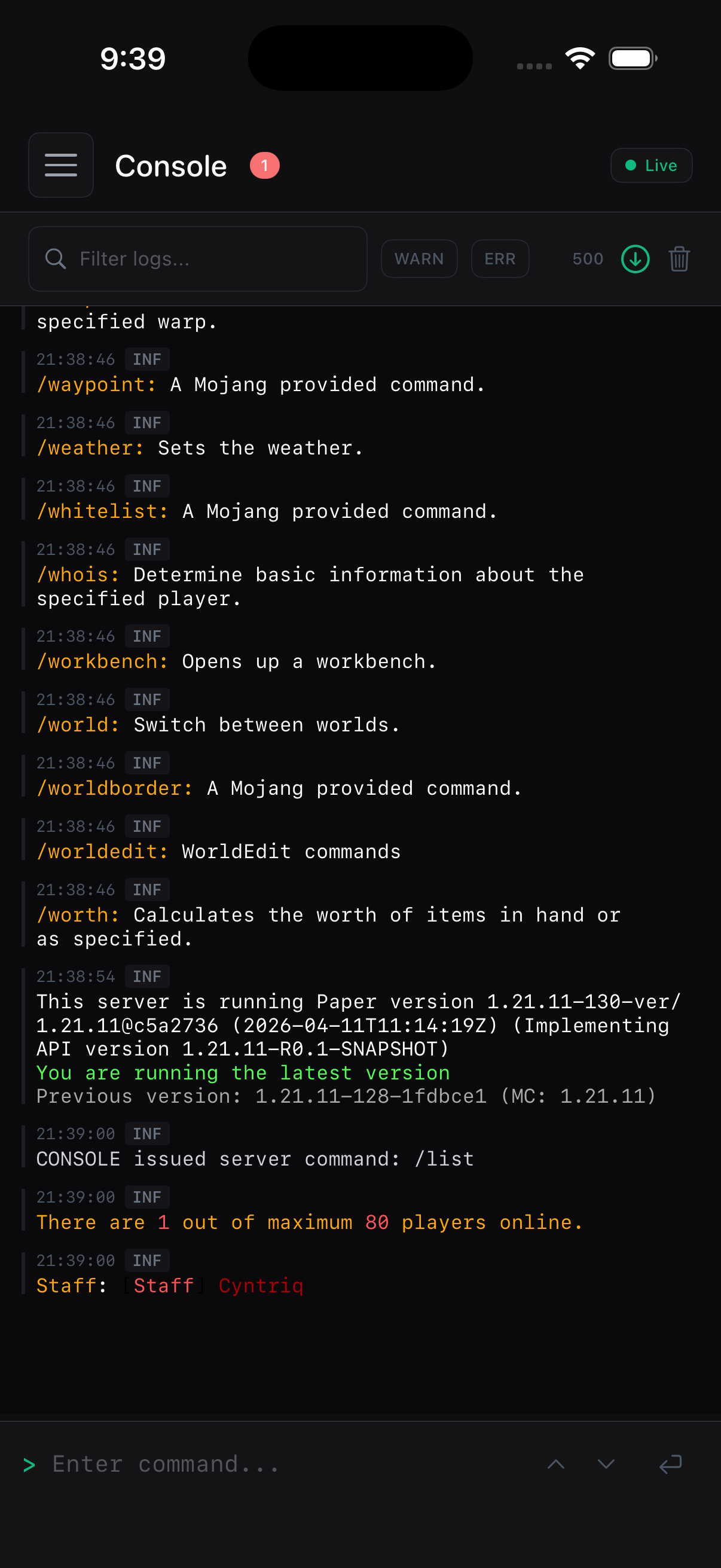
Stream logs in real time. Filter by severity. Run commands with saved macros and autocomplete.

Streaming · WebSocket

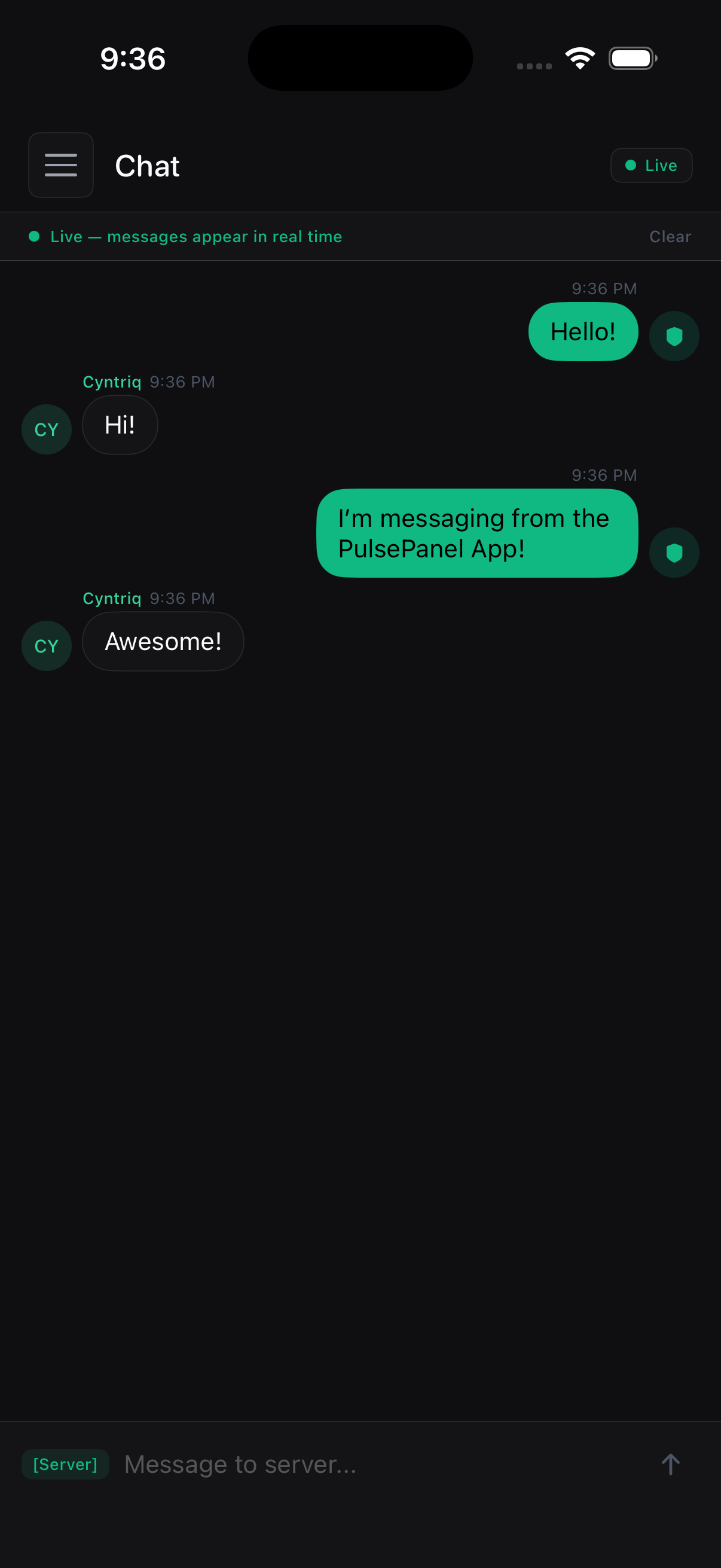
Chat Bridge

Watch in-game chat live. Send messages. Mute, kick, or moderate without joining the server.

Two-way · Real-time

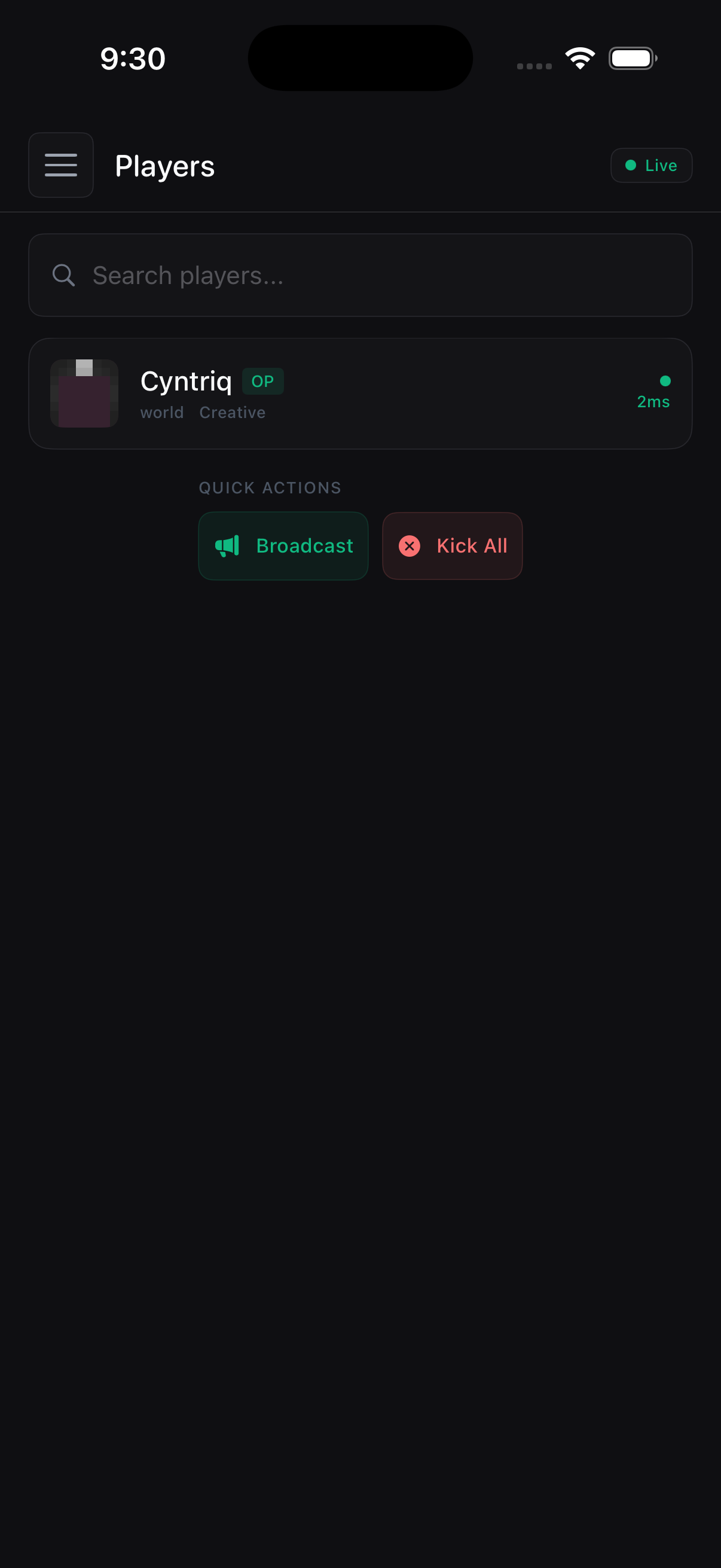
Players

Browse the roster. View inventories. Edit gear. Manage permissions, op, ban, kick.

Inventory editing

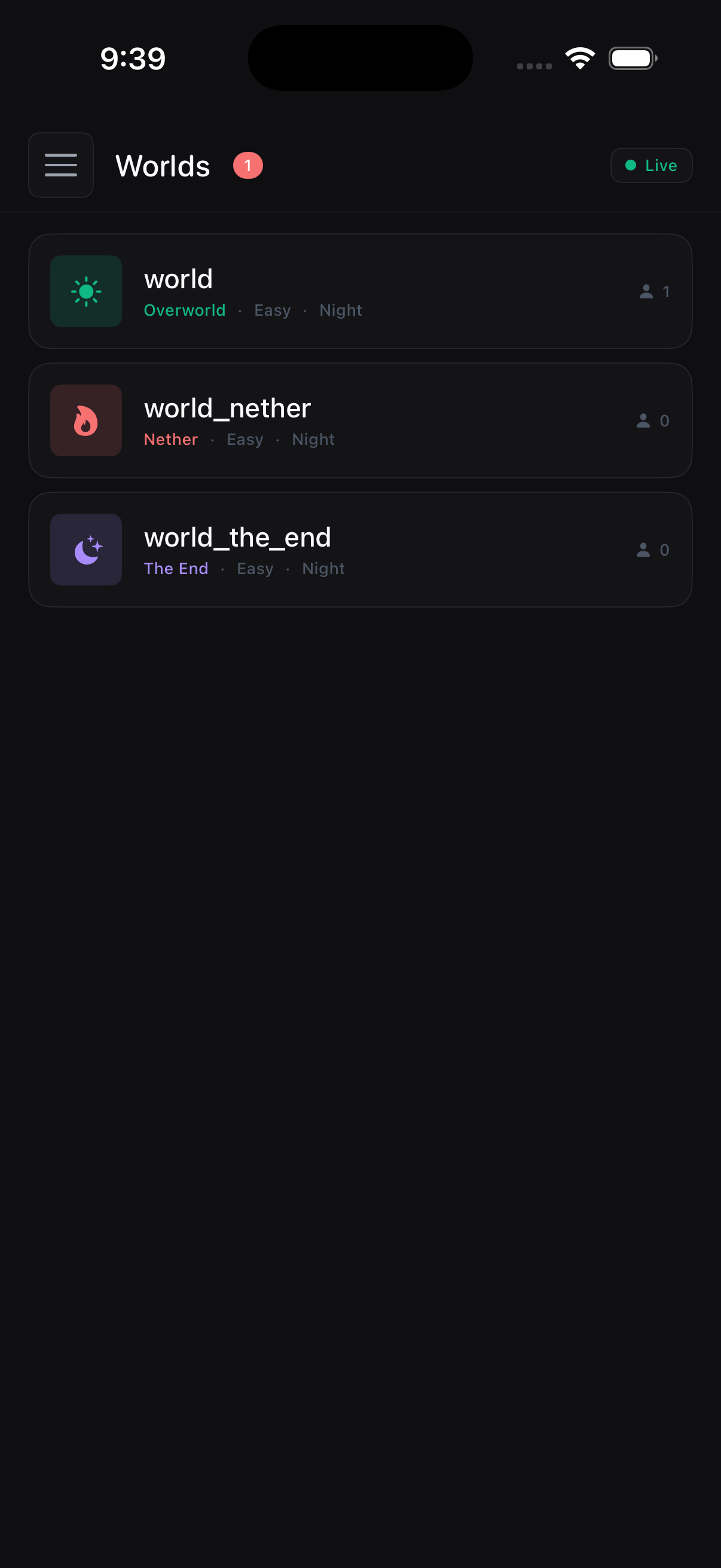
Worlds

Switch worlds, edit gamerules, set spawn, change difficulty, weather, time.

Per-world settings

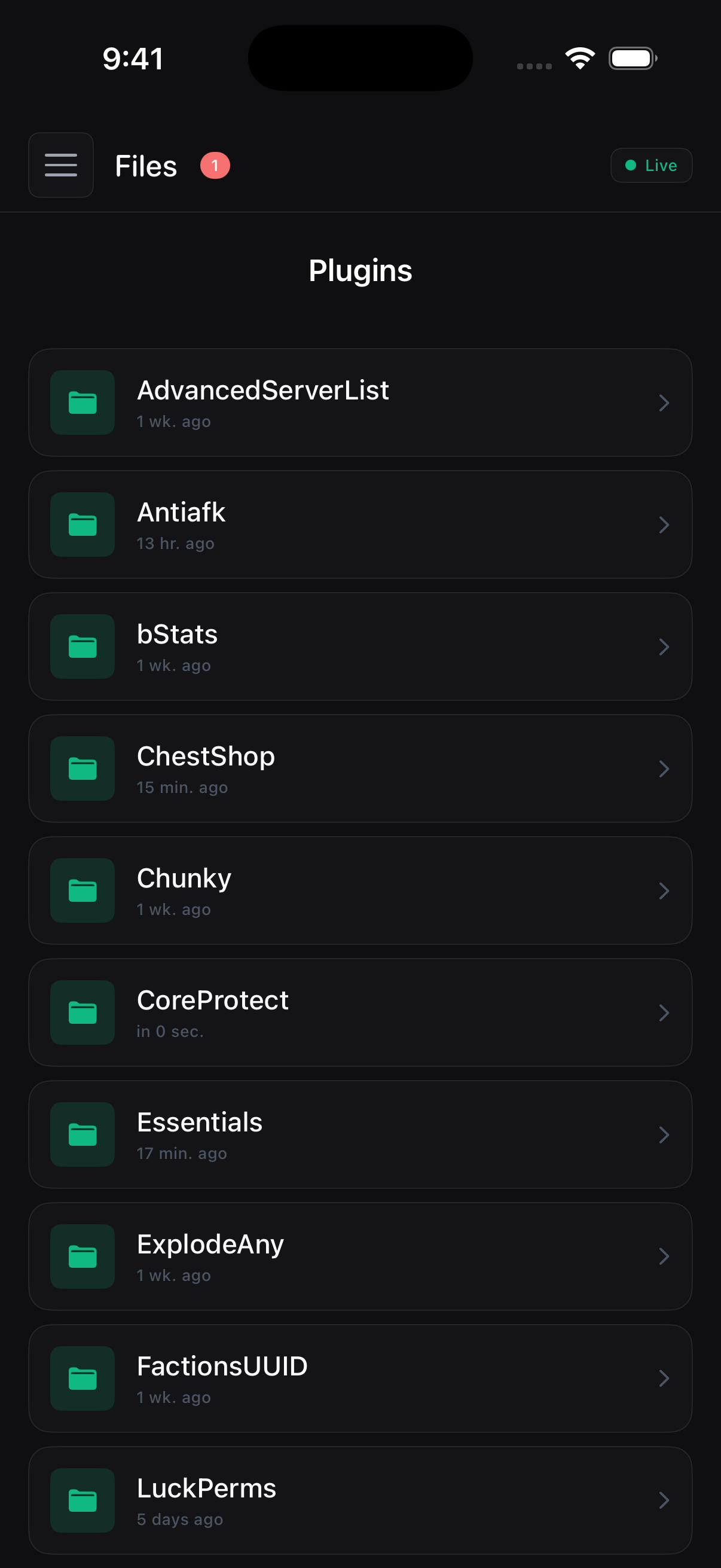
File Manager

Edit plugin .yml configs from your phone. Sandboxed paths. Reload plugins when done.

Sandboxed

Push Notifications

Joins, keywords, TPS drops, errors. Configurable triggers, delivered via APNs.

Sub-second latency

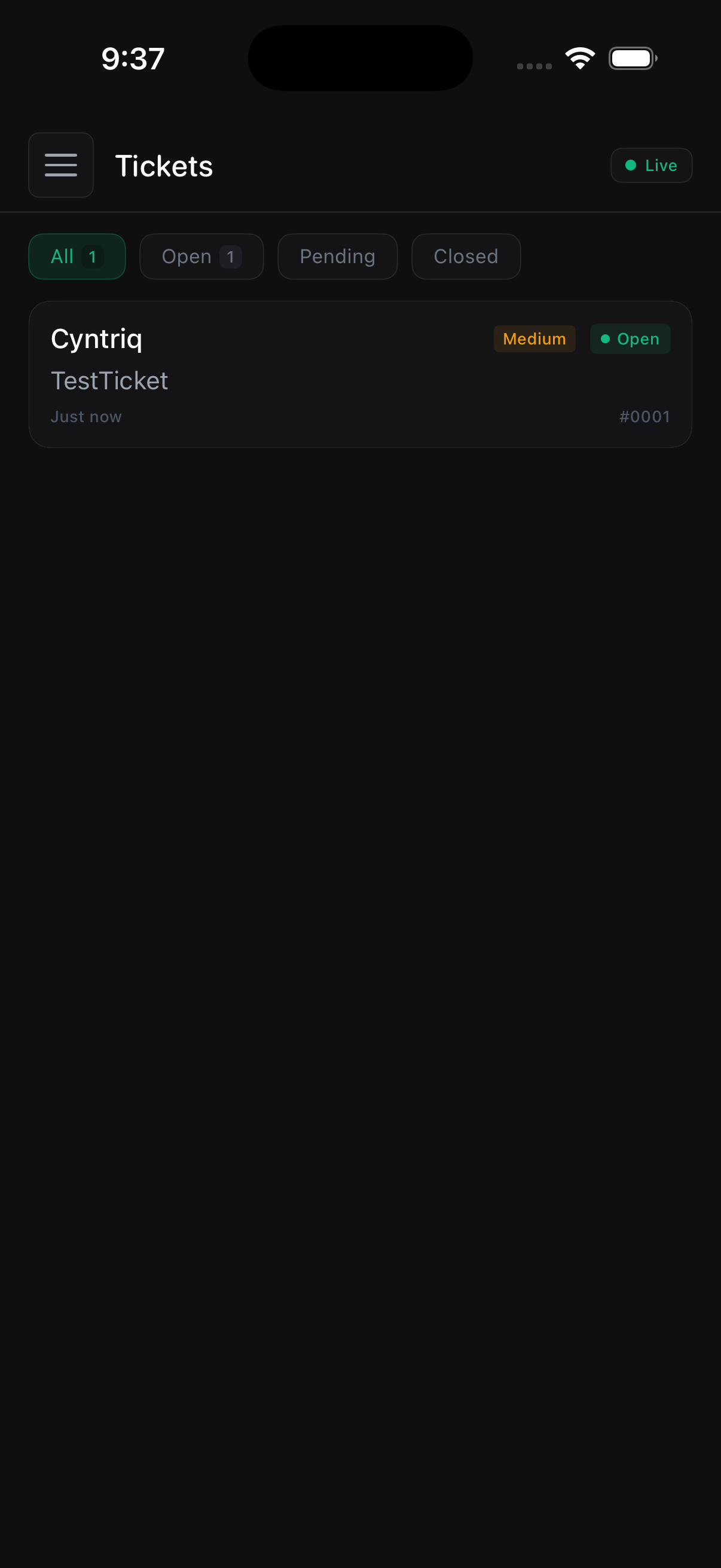
Tickets

In-game /ticket opens a thread. You answer from your phone. Players see replies in chat.

Threaded

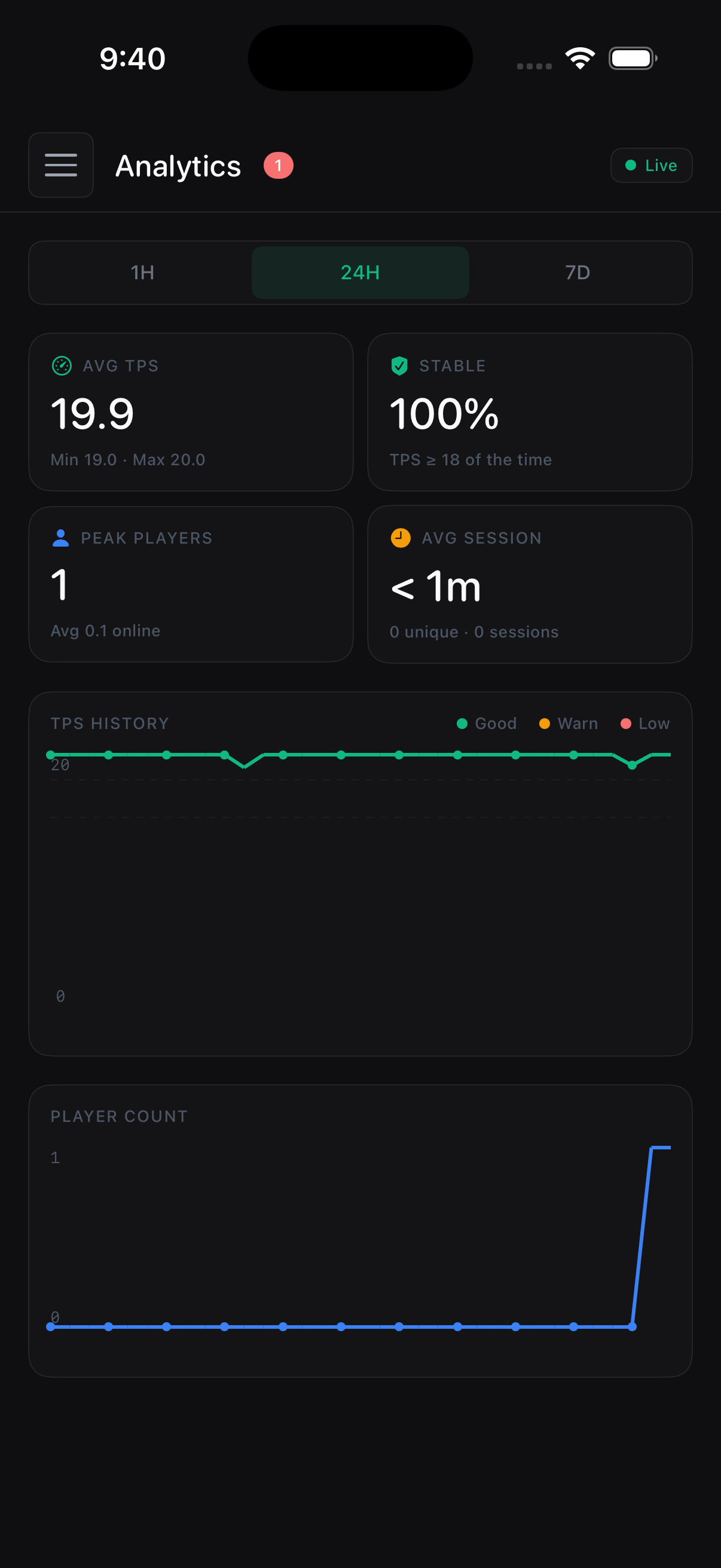
Analytics

Player count over time. TPS history. Chat volume. Joins by hour. Honest charts.

30-day retention

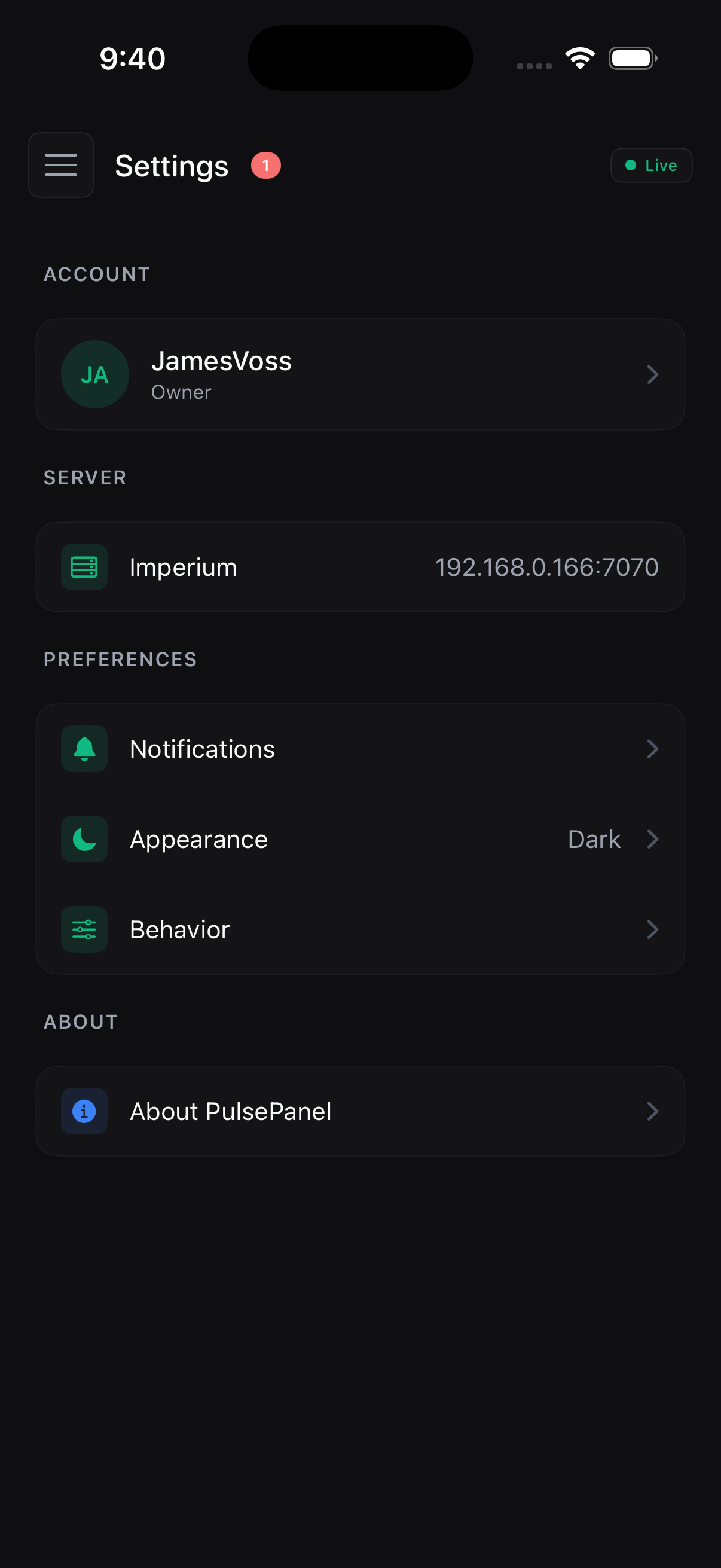
Permissions

Per-user roles. Owner, admin, moderator. Audit log on every action — who did what when.

RBAC · Audit log
// the app

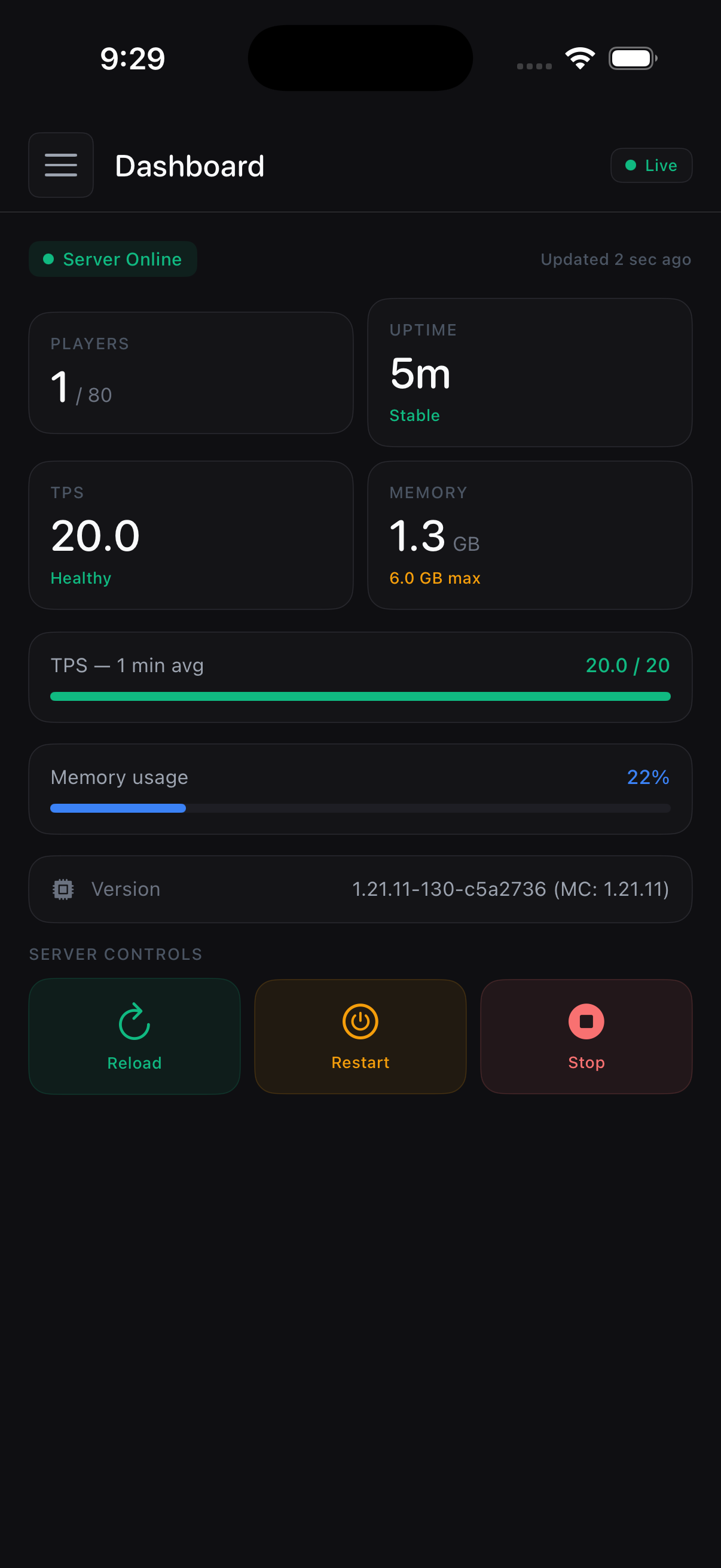
Designed for thumbs. Not desktops.

Every screen built from scratch for iOS. No reskinned web dashboard. No squinting at tiny tables. Real native UI, optimized for one-handed operation.
// setup

From zero to monitoring in minutes.

PulsePanel pairs with PulseConnect, a free Paper/Spigot plugin that does the talking on the server side.

[01] INSTALL Ready

Drop the plugin

Download PulseConnect.jar and drop it into /plugins. Free, no license required. Restart the server.

$ ls plugins/
PulseConnect.jar
WorldEdit.jar
$ systemctl restart minecraft
[OK] server started · 14 plugins
[02] CONFIGURE Ready

Set port and secret

Open config.yml, set a port (default 7070) and a strong shared secret. Forward that port on your router for remote access.

port: 7070
secret: "your-strong-secret"
tls: true
[PulseConnect] listening on :7070
[03] CONNECT Live

Sign in on the app

Open PulsePanel, enter your server's address and port, then sign in with the account you set up. Status indicator turns green and you're running the panel.

stream.tps · 19.94
stream.players · 23 online
stream.chat · subscribed
push · enabled
[OK] all systems operational
Read the full setup guide →
// faq

Frequently asked.

[01] What server software is supported?
Paper and Spigot, modern versions. Anything that runs Bukkit-API plugins.
[02] Do I need to open ports on my server?
Yes — one TCP port for the plugin (7070 by default, configurable). Forward it on your router for remote access. Setup takes about a minute on most routers, and the docs walk through the common cases.
[03] Is it safe?
Every action is logged. File access is sandboxed to plugin folders. The app authenticates over TLS with the account credentials you create on the server — your data flows directly between the app and your server, never through anyone else's infrastructure.
[04] Is the plugin free?
Yes. PulseConnect is free and stays free. You only pay once for the iOS app.

Stay connected
to your server.

One-time purchase. No subscription. No tracking.

Download on the App Store →